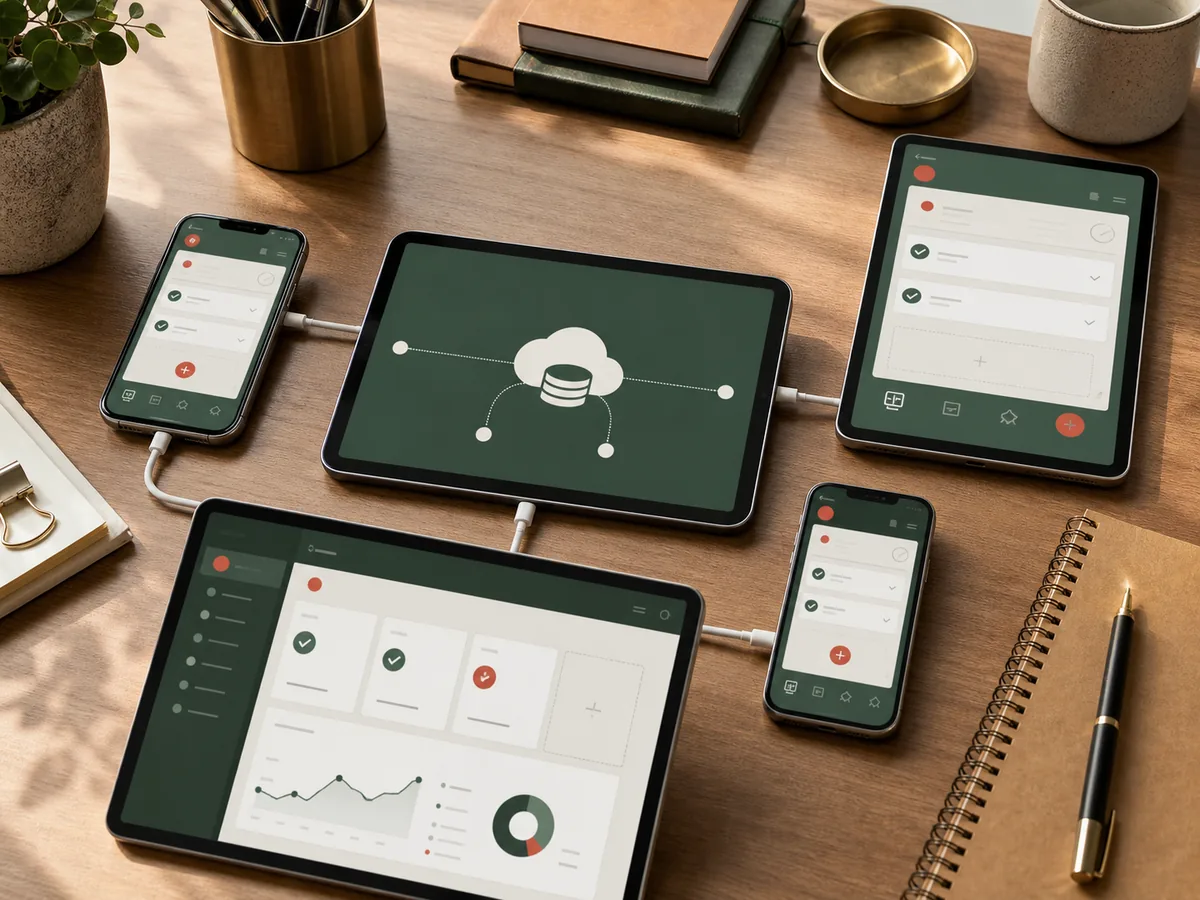
Adding a mobile application should extend the existing system, not create a second version of its business rules. Before designing the full interface, confirm that the backend is safe and predictable for an untrusted client.
When to start with the backend
Start here when a mobile project is blocked by inconsistent permissions, browser-only sessions, undocumented APIs or unreliable file handling. Building screens first can hide these constraints until late in delivery.
Define the mobile workflows
Choose a small set of tasks that benefit from mobility: scanning, field updates, approvals, photos, dispatch or customer self-service. Copying every administration screen usually produces a slow project and a poor mobile experience.
Review authentication
Browser sessions may not be appropriate for mobile clients. Define access-token lifetime, refresh behaviour, device revocation, password changes and what happens when the app resumes after a long pause.
Tokens must be stored using platform-secure facilities. The client should never contain backend or third-party master credentials.
Enforce permissions on the server
Hiding a button in the app is not authorisation. Every API operation must check the authenticated user and resource scope. Test direct requests that bypass the interface.
Normalise the API contract
Consistent pagination, validation errors, dates, file URLs and status codes make mobile behaviour predictable. Add an API versioning policy before released clients depend on unstable response shapes.
Design for unreliable networks
Mobile requests fail frequently. Define loading, retry, offline and conflict behaviour for each important action. Mutating requests need idempotency when a user taps again after a timeout.
Plan files and notifications
Use short-lived upload or download URLs where appropriate, validate files server-side and show progress. Notifications should deep-link to authorised content and remain safe when the user has logged out.
The backend is mobile-ready when the key workflows can be completed through documented APIs, failed requests are recoverable and permission checks do not depend on the client behaving honestly.
Related services
For a focused mobile client that shares reliable business rules with the existing system, see Cross-platform Apps, PWA & Mini Programs.