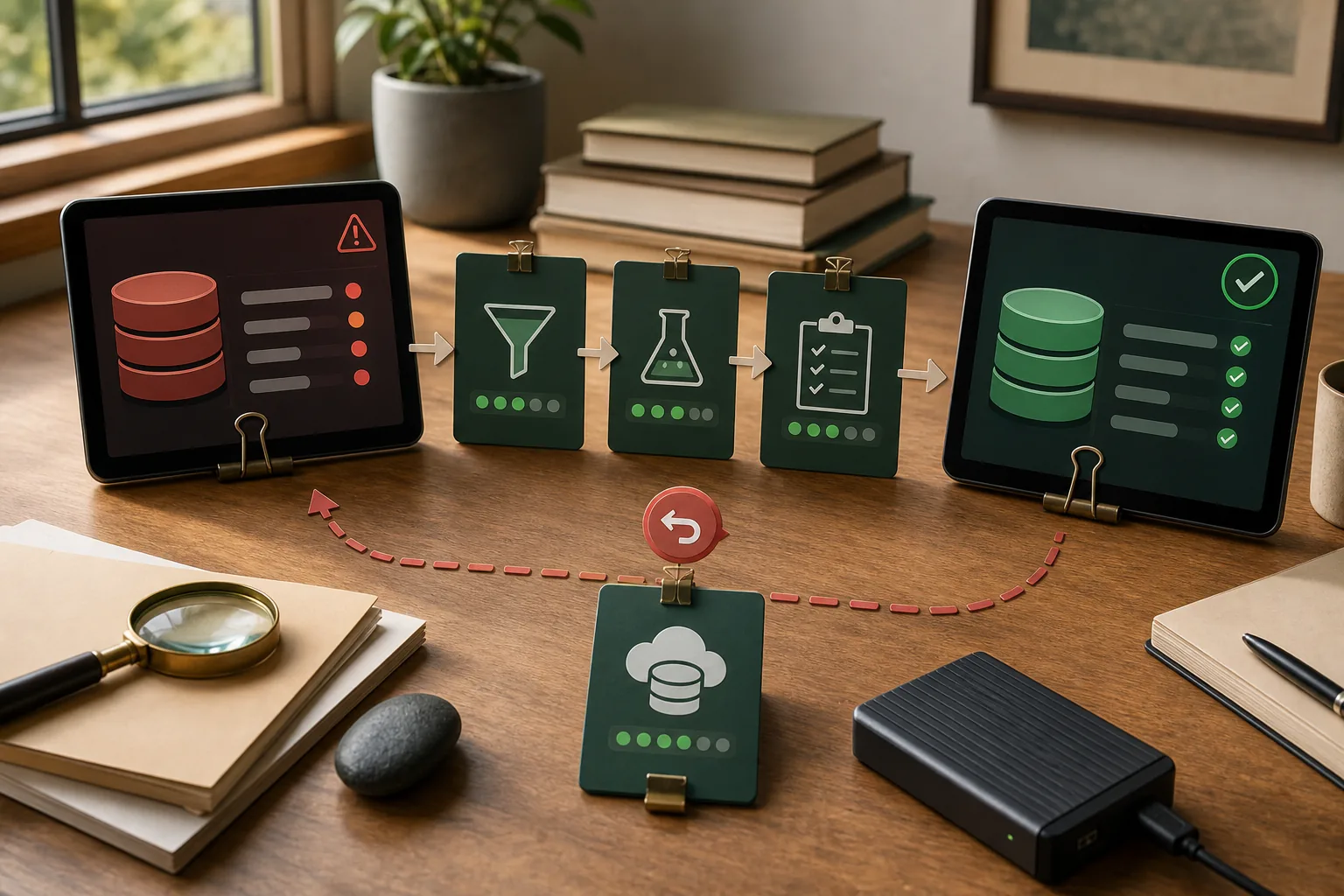
Database migrations are business changes, not just infrastructure tasks. A technically valid copy can still fail if records lose ownership, reports disagree or staff cannot recover from a partial cutover.
Define source-of-truth boundaries
List the data entities, systems and workflows involved. Identify which system owns each field, how conflicts are resolved and what data must remain available during the transition.
Test backup and restore first
Create a backup and prove that it restores into an isolated environment. Record recovery time, permissions, encryption assumptions and the point in time that the backup represents.
Rehearse on production-shaped data
Use a sanitised copy with realistic volume and edge cases. Measure the migration duration, validate record counts and test workflows that rely on historical data, attachments and scheduled jobs.
Make validation explicit
Define what “correct” means: counts, totals, referential integrity, sampling rules and business workflow checks. A green migration command is not evidence that the application still behaves correctly.
Plan cutover and rollback separately
State when writes pause, which systems continue to accept data and how the team returns to the previous state. If data changes cannot be reversed, plan compensating actions before release.
Related services
For data-sensitive backend changes and migration planning, see Backend Systems & Business APIs.