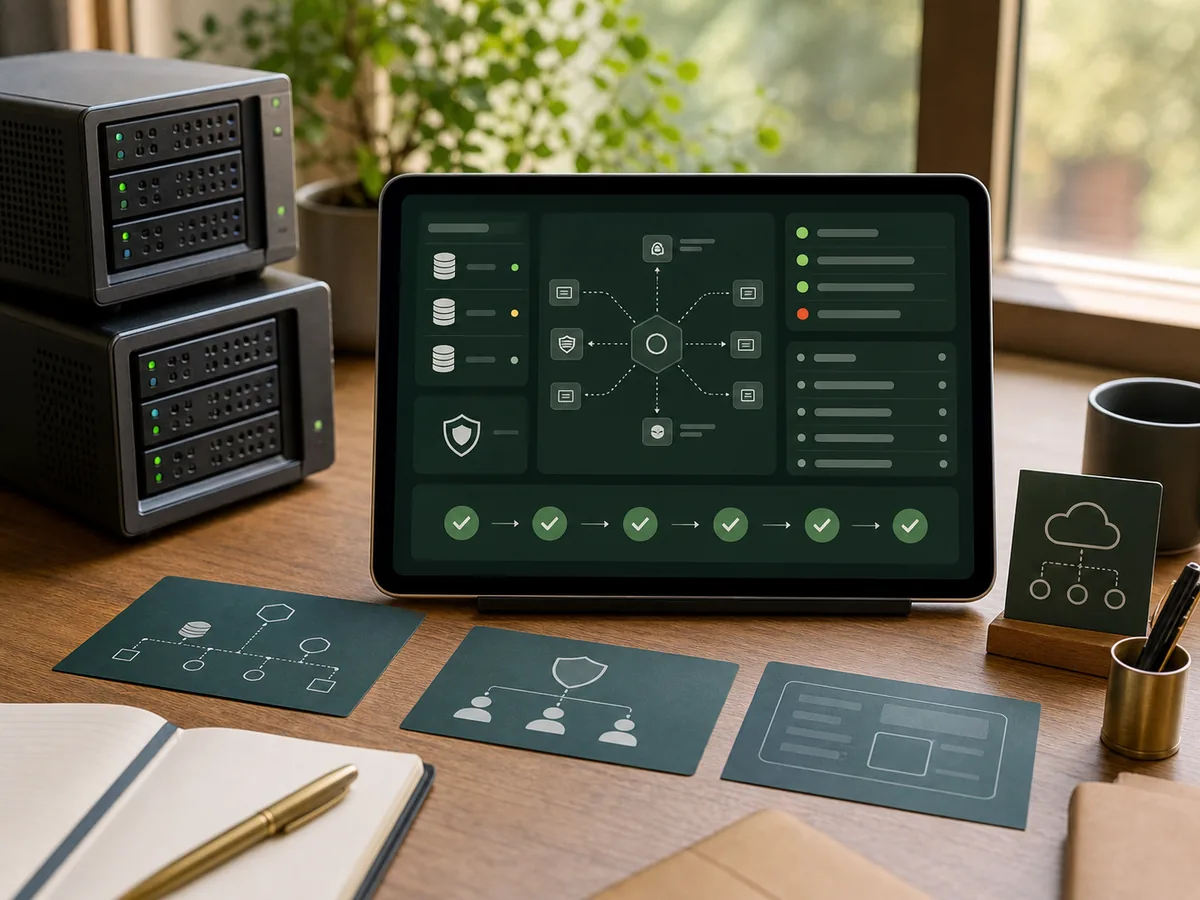
A PHP runtime upgrade is safest when dependency, language and deployment changes are separated. Moving everything at once makes regressions difficult to explain and rollback difficult to trust.
When to delay the upgrade
Delay the production switch when the current system cannot be built from documented steps, critical workflows have no evidence baseline, or the team cannot describe how a failed release is reversed. Those conditions make version work unnecessarily risky.
Inventory the actual runtime
Record the PHP version, extensions, web server, process manager, Composer version, scheduled commands, queue workers and image libraries. Compare production with development; hidden extension differences often explain why an upgrade works in one place only.
Establish a repeatable test environment
Build the current application before changing dependencies. Capture representative requests and critical workflows. If automated coverage is weak, add characterisation tests around authentication, payments, data exports, file handling and scheduled work.
Upgrade dependencies deliberately
Use Composer to identify packages that block the target runtime. Replace abandoned libraries before changing application code. Avoid broad version constraints that pull many unrelated major upgrades into the same release.
Address language compatibility
Review deprecations, stricter type behaviour, removed functions, dynamic properties and error-level changes relevant to the target version. Run static analysis and tests on the target runtime, but also inspect logs during realistic workflows.
Rehearse data and deployment
The PHP upgrade may not need database changes, but associated framework upgrades often do. Rehearse migrations against a production-shaped copy and document whether rollback requires code only or data restoration.
Release with evidence
Use a staging environment that matches production, validate workers and scheduled jobs, then release with a defined observation window. Keep the old runtime image or deployment artefact available until the acceptance checks pass.
The migration is complete when the target environment can be rebuilt, critical workflows pass and the team knows how to diagnose and reverse a failed release.
Related services
For runtime upgrades inside a fragile or undocumented system, see Existing Project Rescue & Stabilisation and Backend Systems & Business APIs.