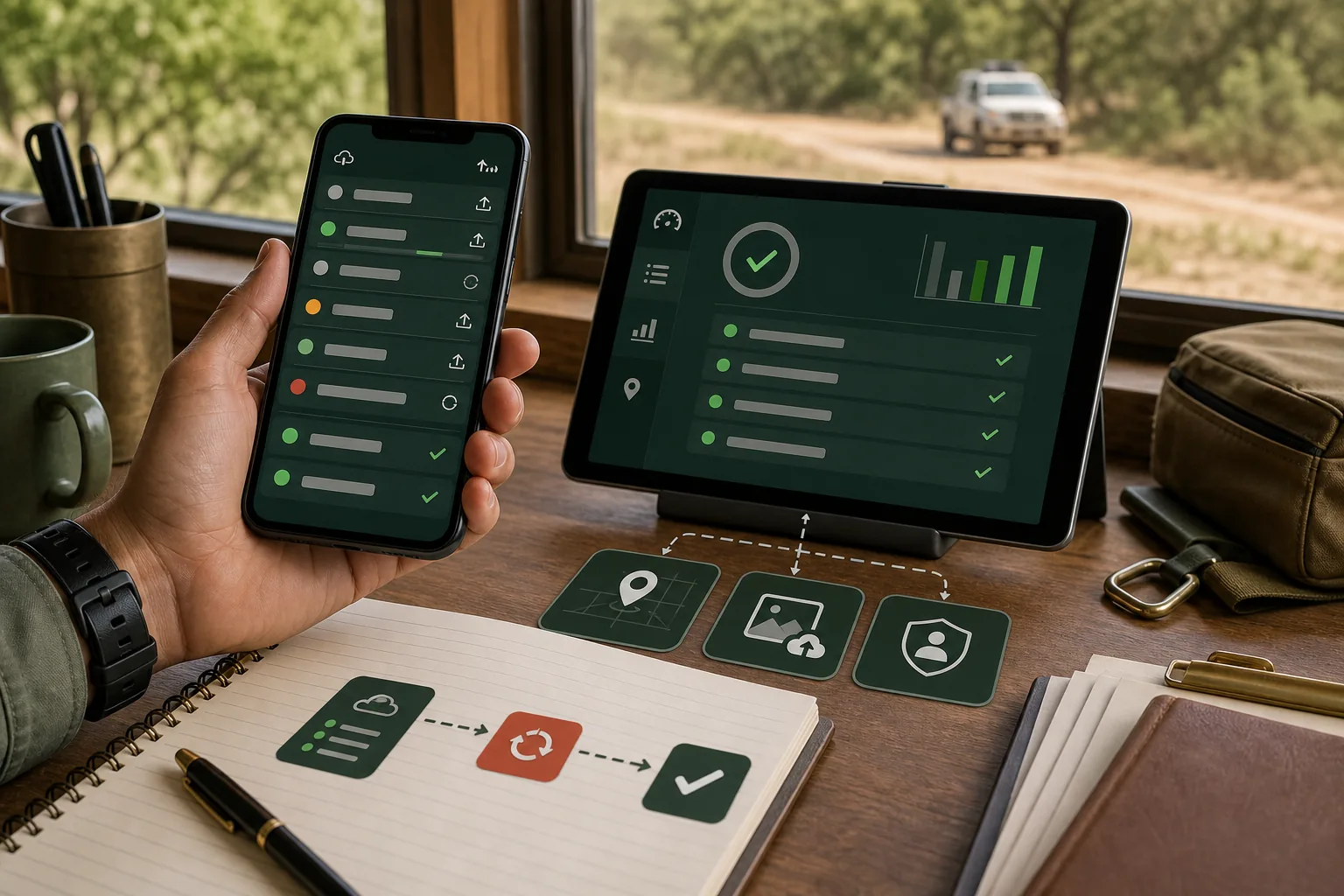
Offline mobile support is not a switch in a framework. It is a set of business decisions about what users can do without a network, what must wait for the server and how conflicting changes are resolved.
Start with field workflows
Choose tasks that genuinely happen with poor connectivity: scanning, receiving, inspection, photos, signatures or delivery confirmation. Do not make every screen offline by default.
Keep the server authoritative
The mobile client can queue work, but the server should validate permissions, current state and business rules when synchronisation occurs. Local success is not final business acceptance.
Use durable local records
Store an operation ID, timestamp, user context and payload for every queued write. The app should show what is pending, what failed and what needs a user decision rather than silently losing work.
Design conflict handling before release
Decide whether the server wins, the latest valid change wins, or a person reviews the exception. Different workflows need different rules; inventory adjustments and draft notes are not equivalent.
Make retries safe
Synchronisation can repeat after a timeout or app restart. Write operations need idempotency keys so a queued action is applied once even when delivery is uncertain.
Related services
For field apps, PWA workflows and reliable API boundaries, see Cross-platform Apps, PWA & Mini Programs.